Scan the rock.
Know the lift.
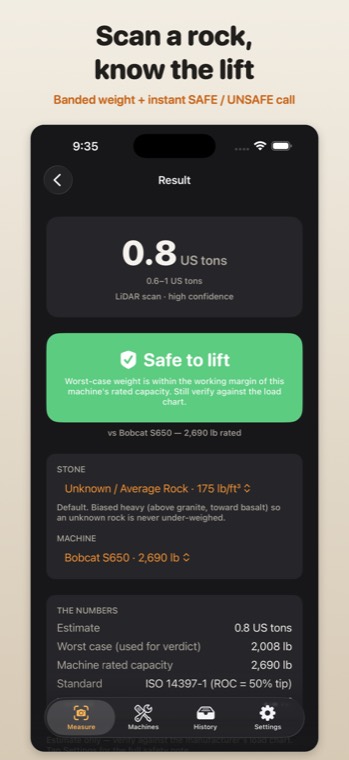
No tape measures a lumpy rock. BoulderLift walks round it with your iPhone Pro's LiDAR scanner, rebuilds its shape, multiplies the volume by the stone's density and gives you the weight as an honest range — then checks the heavy end against your machine and says green, amber or red before anyone hooks on.
Three steps at the rock
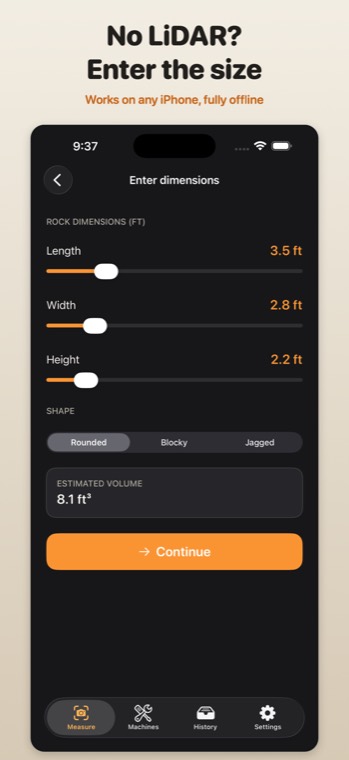
- Walk round itThe LiDAR scanner on an iPhone Pro rebuilds the boulder as a closed shape and measures its volume — the part a tape cannot do. No LiDAR? Type length, width and height and pick rounded, blocky or jagged.
- Say what it isGranite, basalt, limestone, sandstone and seven more, each with its solid-rock density. Not sure? The default sits above granite on purpose: guessing heavy is the safe mistake.
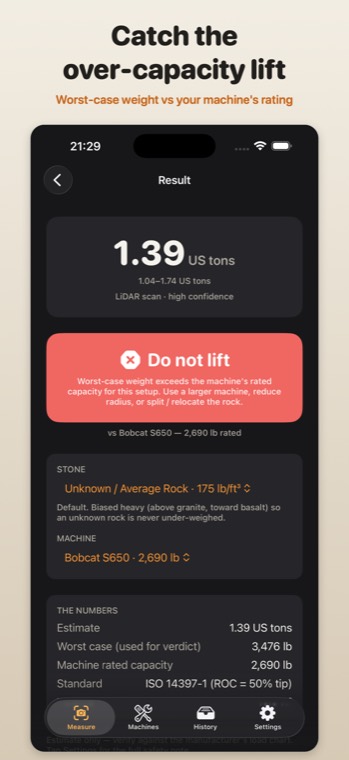
- Read the verdictThe weight comes as a range, ±25%. The heavy end is checked against the rated capacity of the machine you pick — safe under 80% of it, marginal up to 100%, do not lift above.
What it looks like
Why the verdict is conservative
| Rule | Why |
|---|---|
| Judge the heavy end | A green light has to stay green if both the volume and the density came out on the light side. |
| 80% working margin | Applied on top of the manufacturer's rated capacity — never instead of it. |
| No gap between bands | Every weight lands in exactly one band, and anything over the rating is "do not lift". |
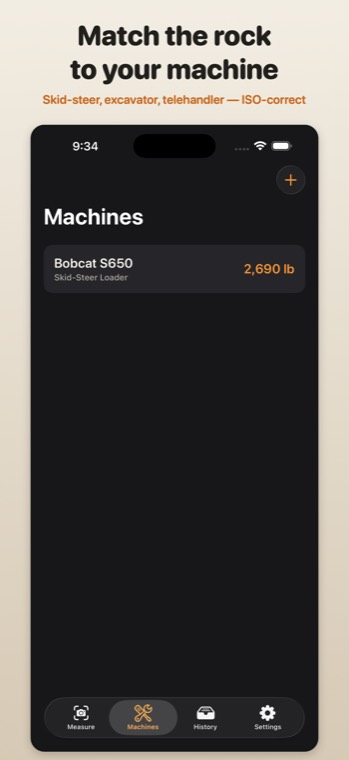
| The right capacity | Rated operating capacity for loaders, the lift-chart value at your radius for excavators — the app tells you which for each machine. |
Honest about the limits
- It weighs what it can see. A boulder partly in the ground has weight below grade that no scan from above can measure. Dig round it first.
- An estimate, not a scale. The ±25% is there because a lumpy rock and a guessed stone type both carry real error. Plan the lift on the heavy end.
- Not a lift plan. Rigging, sling angles, ground bearing and the load chart for your exact setup are still yours to check.
- iPhone Pro for scanning. The scan needs LiDAR. Every other iPhone can still weigh a rock from three measurements.
Free, with a one-time Pro
Scanning, the weight and the lift verdict are free. A one-time Pro unlock — no subscription — saves rocks to a library and exports a PDF lift card for the job file. Payment is taken by Apple through the App Store.
Last reviewed 22 September 2026