 TallyTouch · for iPhone
A tally counter you can use without looking
Tap anywhere on the big number to count up. Or switch on eyes-free mode and press the volume buttons instead — every press lands with a crisp haptic, so your eyes stay on what you are counting.
Built for speed
- The whole screen is the buttonHard to miss, even mid-motion.
- Or count with the volume keysEyes-free mode turns the hardware buttons into the clicker. The on-screen counter works fully on its own too.
- Feel every countA haptic tap each time, and a firmer pulse when you cross a milestone.
- Fix mistakesUndo, reset, today's total and your counts per minute on the counting screen.
What it looks like
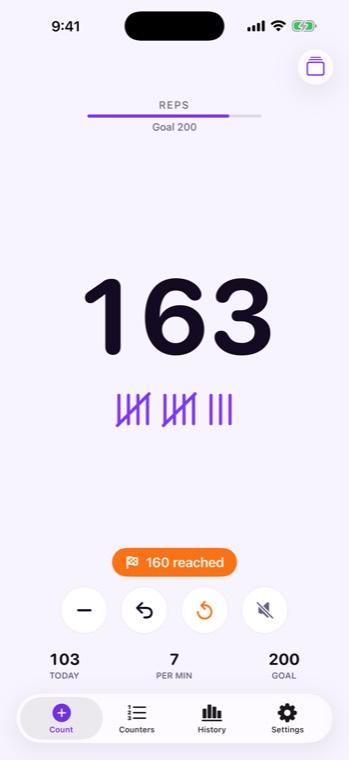
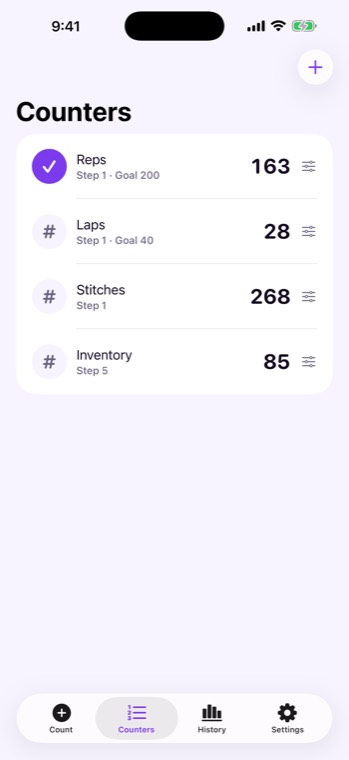
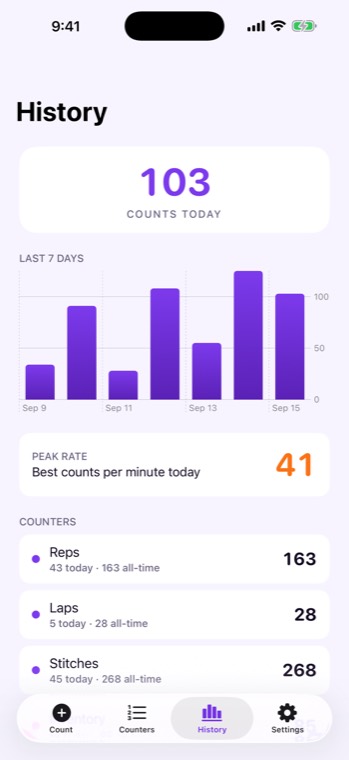
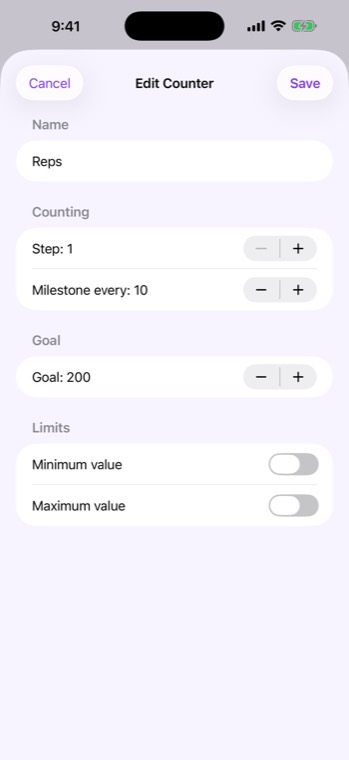
What people count with it
Reps at the gym and laps in the pool. Boxes on a shelf. People through a door. Rows and stitches in knitting. Each counter has its own name, step size and milestone, and you switch between them in a tap and pick up where you left off.
Free, with a one-time Pro
Up to three named counters are free. TallyTouch Pro, a one-time purchase, adds unlimited counters, goals with minimum and maximum limits, and history.
Honest about the limits
- No account. Your counts stay on your iPhone.
Last reviewed 22 September 2026