 PocketBeat · for iPhone
A metronome you feel instead of hear
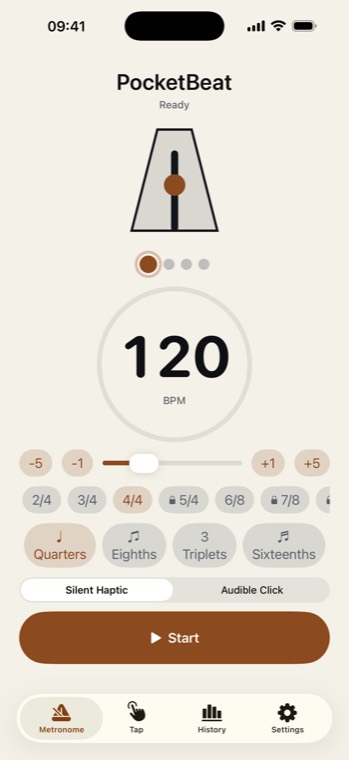
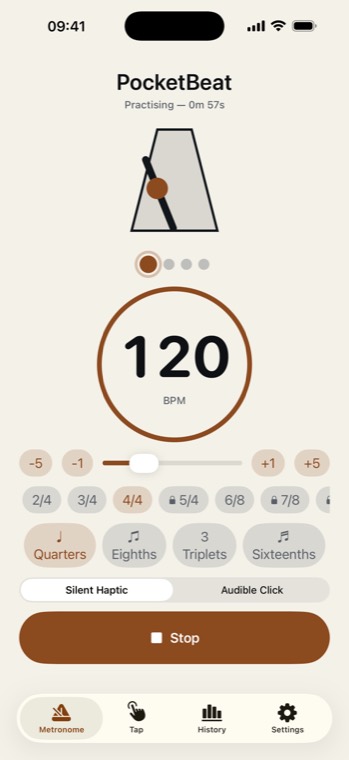
PocketBeat pulses the beat through your iPhone's Taptic Engine — a sharp tap on the beat, a softer one on subdivisions — so you can practise at any hour without anyone else hearing the click.
Built for real practice
- Any tempo30 to 400 BPM, with −5, −1, +1 and +5 buttons and a slider for the fine adjustments.
- Any metre2/4, 3/4, 4/4 and 6/8 free; 5/4, 7/8 and 12/8 with Pro — each with its accents built in.
- SubdivideQuarters, eighths, triplets or sixteenths, felt as lighter taps between the beats.
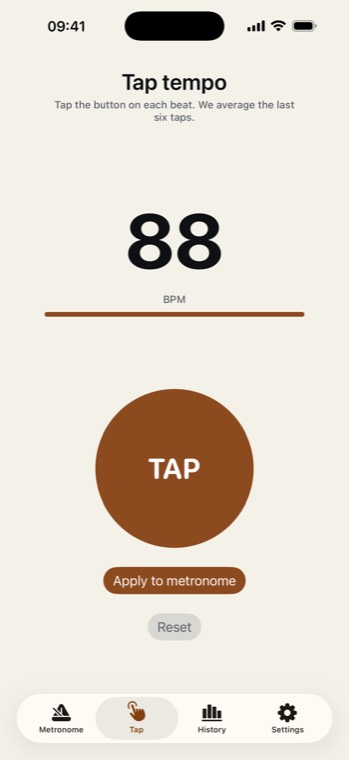
- Tap it inTap a few times on the tap-tempo button and it sets the tempo from your average.
What it looks like
How to practise with a metronome
- Start slower than you thinkFind the tempo at which you play the passage cleanly every time, and begin there.
- Subdivide the hard bitsFeeling eighths or sixteenths between the beats stops you rushing the gaps.
- Move up in small stepsA few BPM at a time. When it gets messy, step back down.
Feeling the beat instead of hearing it has one more advantage: the click never covers the note you are trying to hear. When you do need to hear it — a band rehearsal, a lesson — switch on the audible click.
Free, with a one-time Pro
The metronome, tap tempo, subdivisions, practice history and 2/4, 3/4, 4/4 and 6/8 are free. PocketBeat Pro, a one-time purchase, unlocks the odd and compound meters: 5/4, 7/8 and 12/8.
Honest about the limits
- Haptics need the Taptic Engine. Every recent iPhone has one; hold the phone or keep it touching you to feel it.
- Silent by default. The audible click is one switch away.
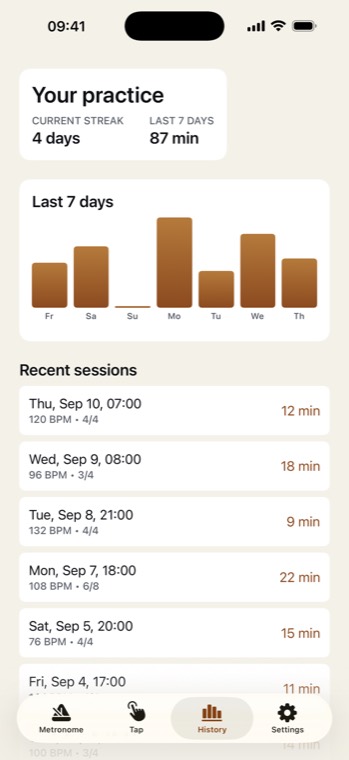
- No account. Your practice minutes stay on your iPhone.
Last reviewed 22 September 2026